 Mac only
Master Commander
Dual-pane file management & SFTP
A dual-pane file manager for macOS. Work across two directories side by side — pick on one side, send to the other — with keyboard shortcuts that keep your hands on the keys.
A closer look at Master Commander
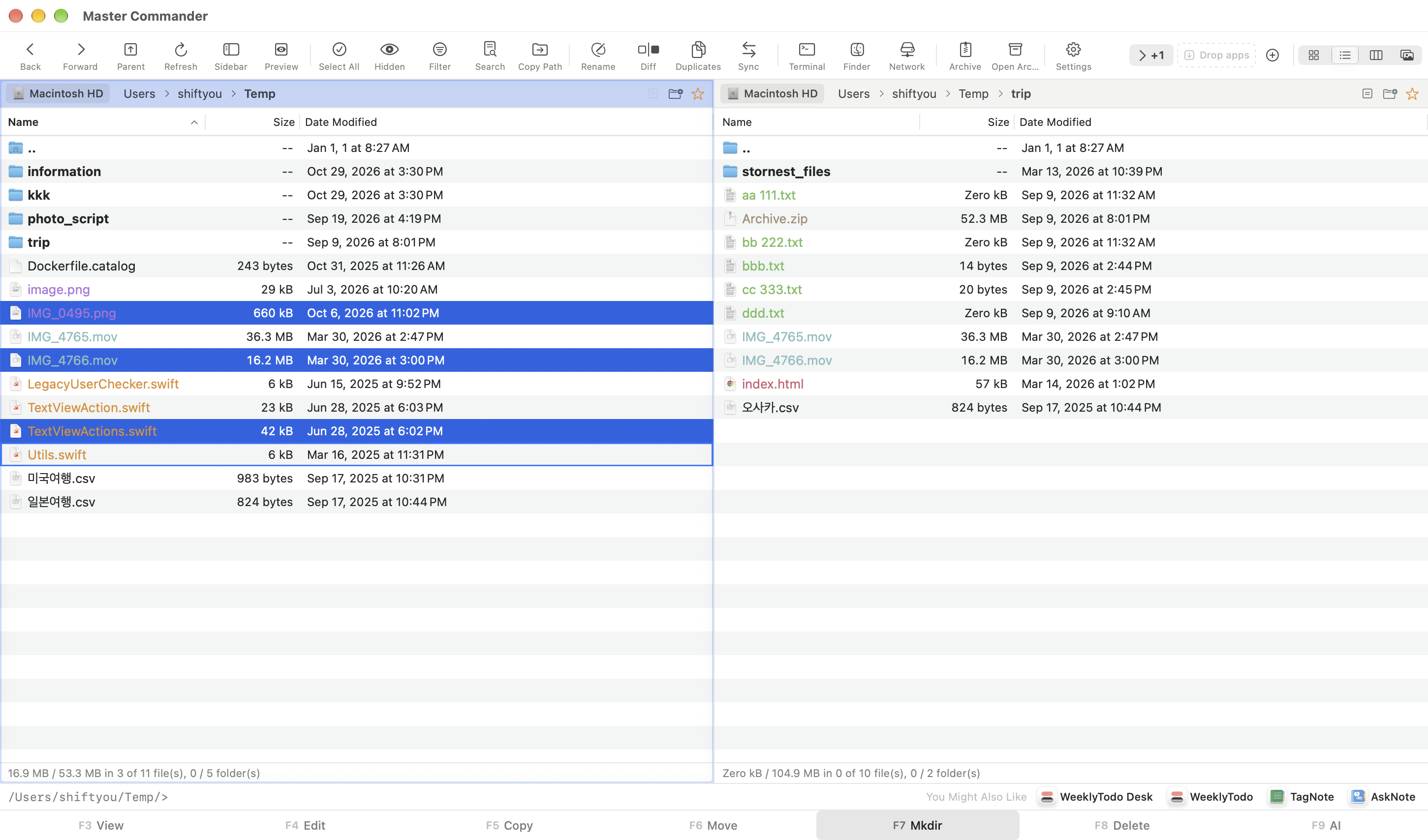
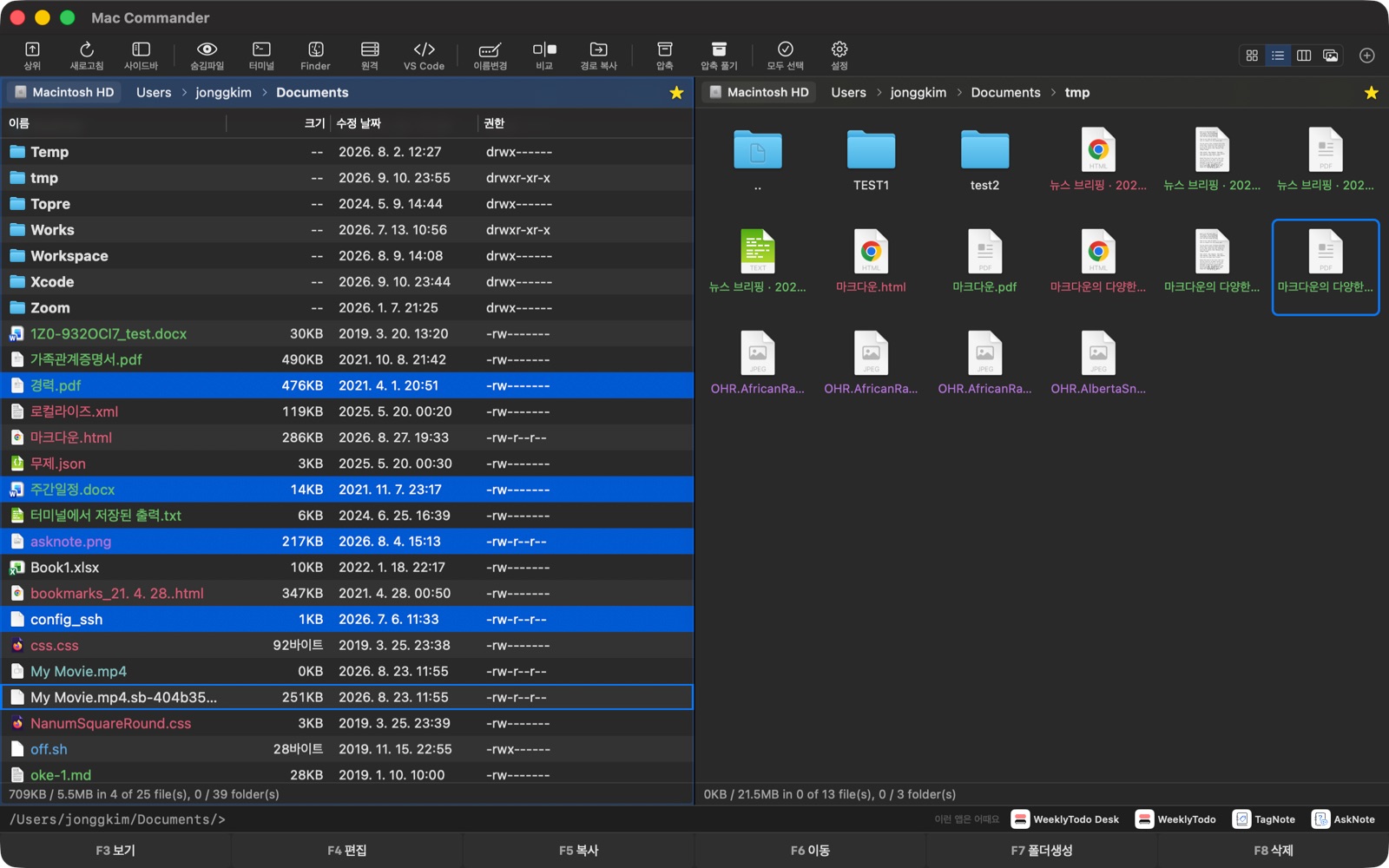
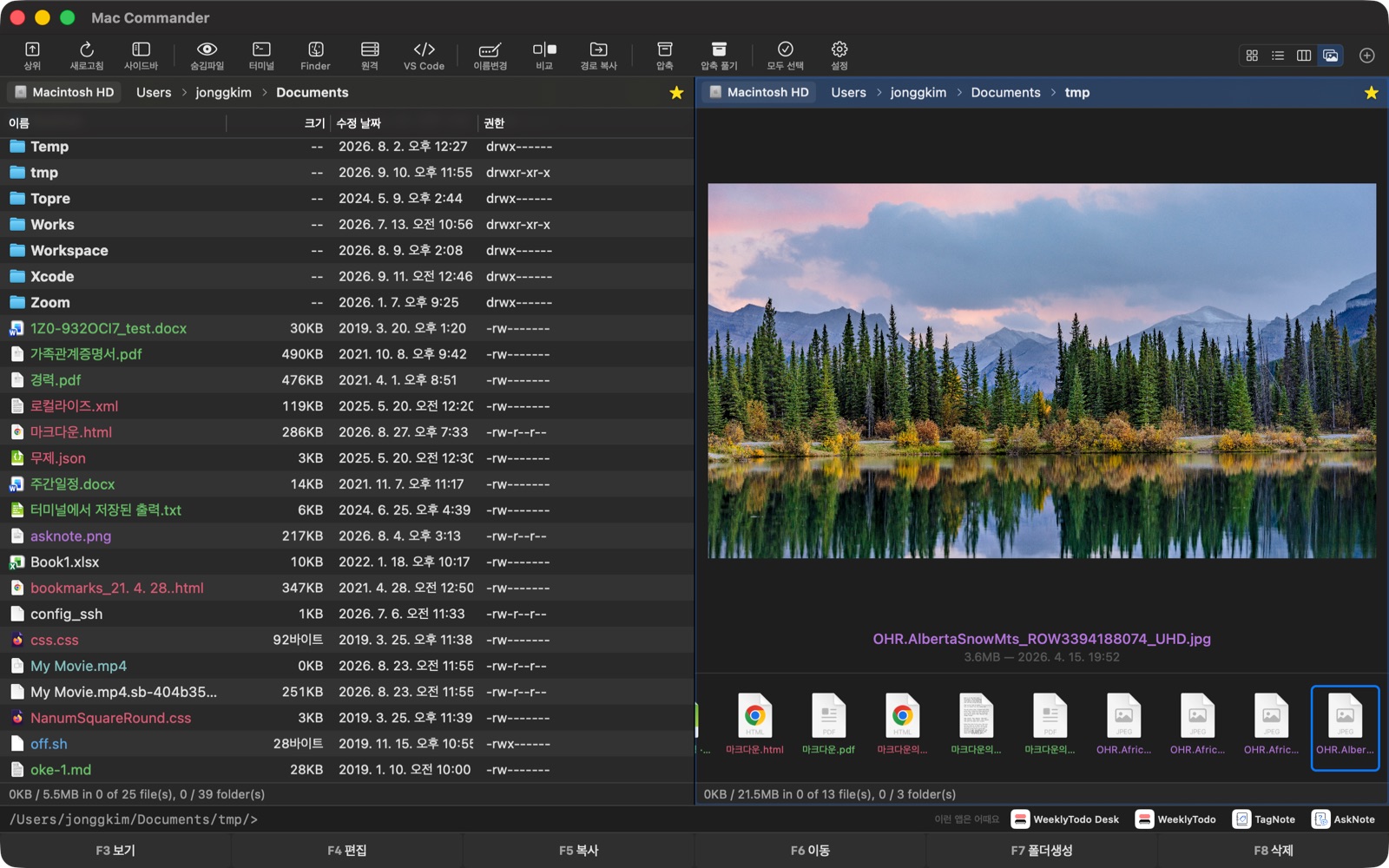
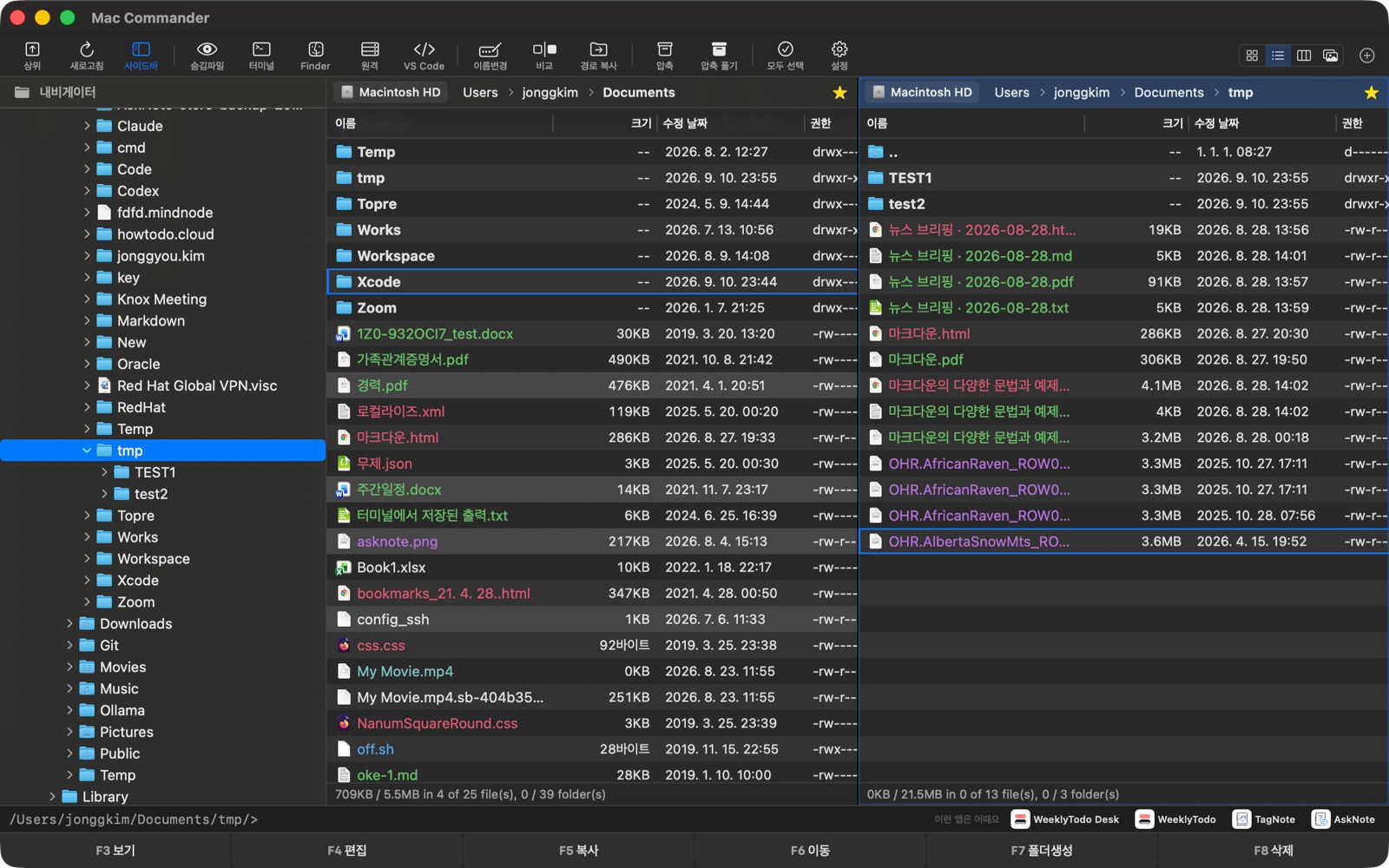
Two panes, one flow
Left is where you take from, right is where you send to. Each pane keeps its own path, view mode, selection, and tabs — so you never lose your place.
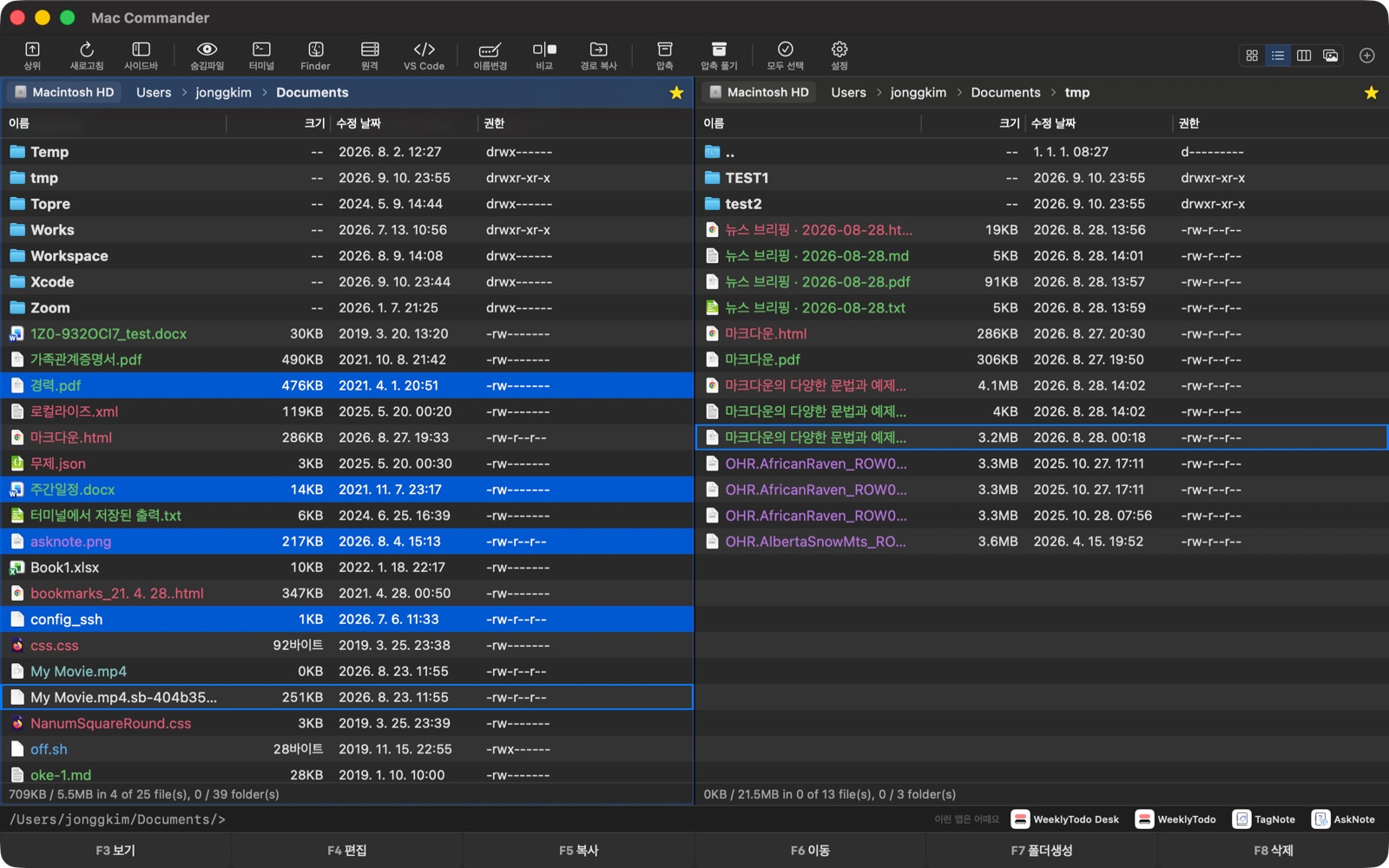
F-keys that do the work
Quick Look, Edit, Copy, Move, New Folder, Delete, and AI Assistant sit on the action bar. Tab, arrows, Space, and slash search keep navigation Total Commander–fast.
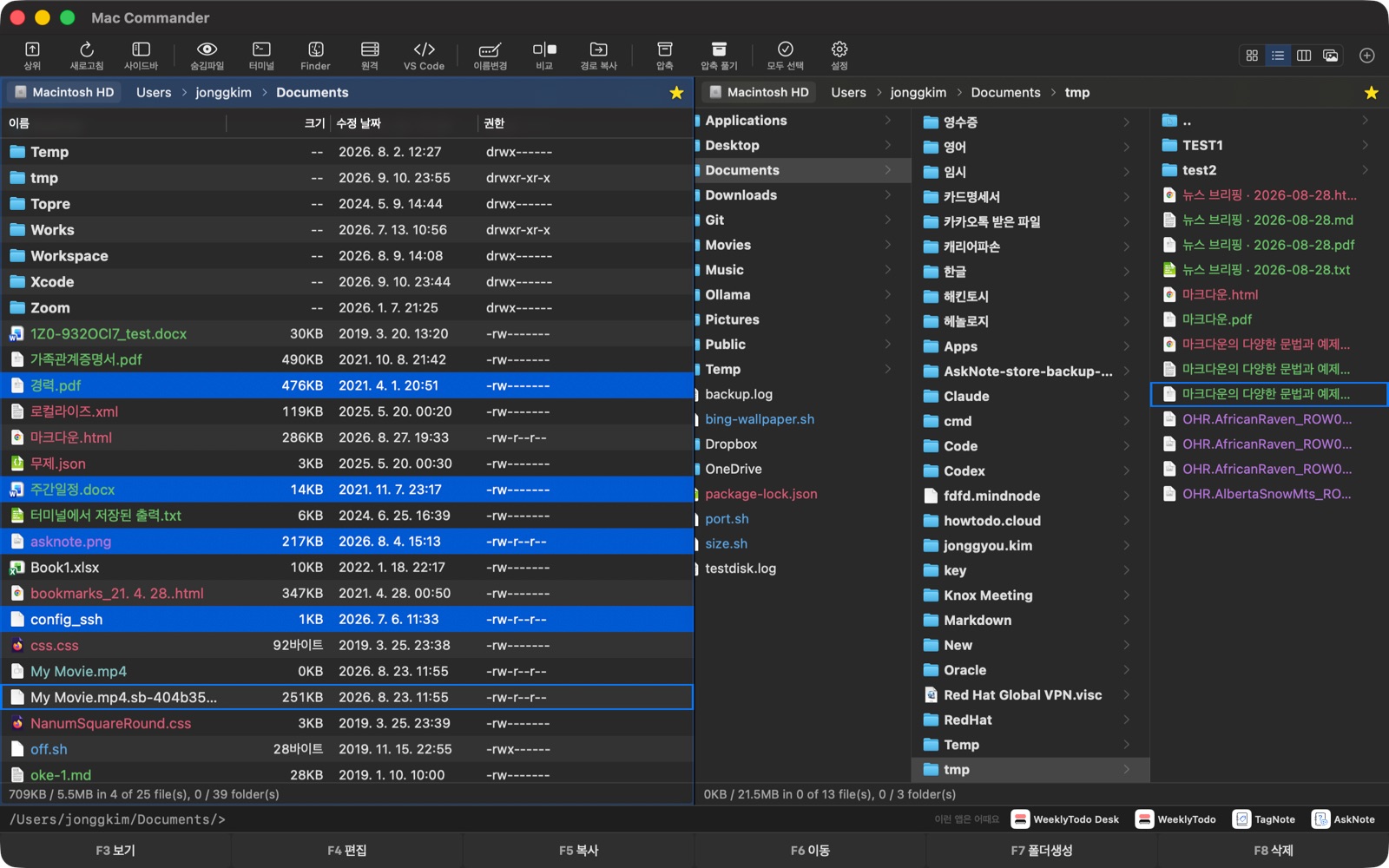
SMB, SFTP, and SSH
Find Macs, NAS, and Windows PCs over Bonjour and NetBIOS. Browse remote servers like local folders with a transfer queue, then open an SSH shell docked beside the list.
Archives and deep file tools
Create and extract ZIP, TAR, and compressed variants — peek inside without unpacking. Folder sync, flat view, content search, duplicate finder, and Finder tags are built in.
AI Assistant on your Mac
Press F9 and describe what you need — search, move, delete, or analyse storage — with full undo. Runs with Apple Intelligence on your Mac: no API key, no subscription, no data leaving for a cloud chat.
Built for people who live in folders
Dual panes & tabs
Independent paths, view modes, and selections on each side
Keyboard-first
F-keys, bookmarks, pattern select, undo for copy/move/delete
Network
SMB discovery, SFTP transfers, and SSH terminal in-pane
Archives
ZIP/TAR create & extract, browse without unpacking
Power tools
Sync, flat view, content search, duplicates, tags, filters
On-device AI
Apple Intelligence assistant — private, undoable file actions
Master Commander on Mac
Master Commander is on the Mac App Store
Free dual-pane file management for Mac. Requires macOS 26.0 and Apple silicon.
Download for Mac